Source checks used for this guide
Use manufacturer and provider references as boundaries, then measure your own gear with a plug-in meter or battery monitor whenever possible.
A workday load is different from a casual travel load
Many off-grid RV systems are designed around comfort. That is fine for vacation travel. Remote work changes the standard.
Once the rig has to support meetings, uploads, deadlines, cloud apps, and a predictable morning start, the electrical system is no longer just keeping devices topped off. It is protecting income and schedule.
That means the power budget has to be built around reliability, not the best sunny day.
If connectivity is also part of the build, start with internet for RVers and the Starlink vs hotspot guide. Then use this page to prove the power side can carry the work stack.
Charger wattage is not the daily budget
A laptop with a 70W, 96W, or 140W charger does not necessarily pull that much power all day. Charger rating is the maximum the adapter can deliver, not the average workday draw.
That distinction matters because two bad estimates are common:
- undercounting the laptop because it "is just a laptop"
- overcounting the laptop by treating the charger label as eight hours of constant draw
The better method is to budget by watt-hours:
watts multiplied by hours equals watt-hours.
If a laptop averages 35W for 6 hours, that is 210Wh before charging and inverter losses. If it averages 75W during heavy editing, calls, or charging from a low battery, the same 6 hours is 450Wh.
That is why the work task matters. Writing, email, and spreadsheets are not the same electrical day as video editing, CAD, or all-day calls.
The internet setup is a core load
Work-from-RV planning often separates internet from power. In real use, they are tied together.
A cellular hotspot may be a small load. A router, booster, or satellite terminal can be a larger one. If that hardware has to stay on for the workday, it belongs in the core budget.
For example, Starlink Mini's official specification sheet lists 25-40W average power consumption. Over an 8-hour workday, that is about 200-320Wh before any laptop, monitor, router, or inverter overhead is counted.
That does not make Starlink a bad choice. It just means satellite internet is not electrically invisible.
Use workday lanes before sizing the bank
Compare
Compare fast
Use one comparison matrix to scan the practical differences. Small screens stack each row; wider screens keep the first column pinned.
| Spec | Light workday | Standard remote-work day | Heavy call or creator day |
|---|---|---|---|
| Typical stack | Laptop, phone, hotspot, light | Laptop, monitor, router, hotspot or Starlink | Laptop under load, monitor, Starlink, camera, lights, fan |
| Planning load | 400-700Wh | 900-1,500Wh | 1,600-2,600Wh |
| What changes it | Short day, local files, low screen brightness | Video calls, external monitor, internet gear | All-day calls, uploads, editing, heat, inverter use |
| Battery implication | A modest bank can feel fine | Needs real reserve and recovery | Can justify larger lithium and stronger charging |
Those ranges are not lab measurements. They are planning lanes so you can stop treating "remote work" as one load.
The person answering email on a MacBook Air and a phone hotspot is not in the same category as the person running Starlink, a monitor, lights, webcam, router, and video calls all day.
A practical daily load table
Use this as a starting point, then replace the ranges with your own measured numbers.
Compare
Compare fast
Use one comparison matrix to scan the practical differences. Small screens stack each row; wider screens keep the first column pinned.
| Spec | Conservative daily use | Higher daily use | Why it moves |
|---|---|---|---|
| Laptop | 200-400Wh | 500-900Wh | CPU load, screen brightness, battery recharge, charger path |
| External monitor | 80-160Wh | 200-350Wh | Screen size, brightness, hours used |
| Hotspot/router | 40-120Wh | 150-300Wh | Device type, antennas, router, time left on |
| Starlink Mini | 200-320Wh for 8 hours | 300-400Wh for 10 hours | 25-40W average draw before other network gear |
| Task lighting and accessories | 30-100Wh | 100-250Wh | Camera, mic, lights, fans, chargers |
| Inverter and conversion losses | 5-15% overhead | Idle draw can add more | AC charging path and inverter left on between loads |
Worked example: the standard workday
Here is a realistic planning example for one remote worker:
- laptop: 350Wh
- external monitor: 160Wh
- Starlink Mini for 8 hours: 250Wh
- router or network accessories: 80Wh
- phone, headphones, camera, lights: 80Wh
- inverter and conversion overhead: 120Wh
That day is about 1,040Wh before any RV house loads. Add a compressor fridge, furnace blower, fans, water pump, and evening use, and the workday can easily become only half of the total daily battery demand.
Now change only one thing: add a second worker with a laptop, monitor, and calls. The work stack can move from roughly 1,000Wh to 1,700-2,200Wh before the rest of the RV is counted.
This is why remote workers should use the battery calculator and then sanity-check the result against the battery bank sizing guide.
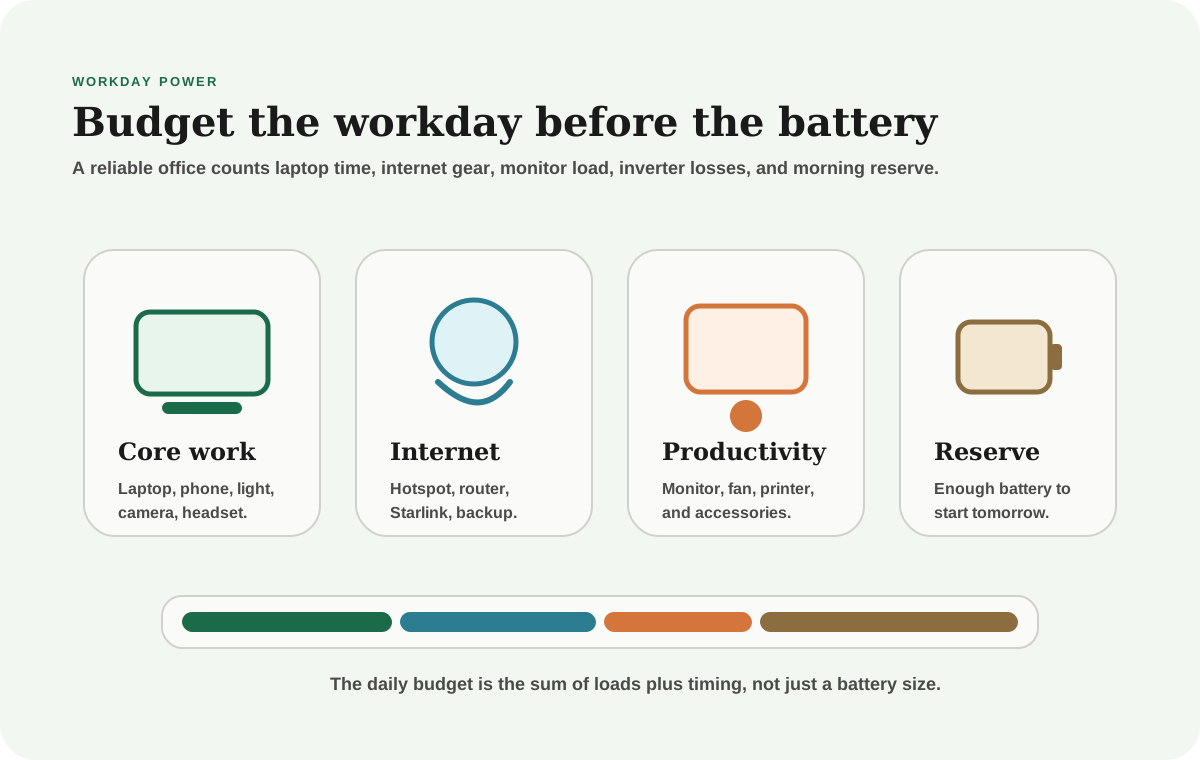
Budget the first hour of tomorrow
A reliable work rig should wake up with enough reserve to start the next day before solar production becomes meaningful. If every workday ends with the battery nearly empty, the system is too tight.
Timing changes the same load
The same laptop can be easy or hard on the battery depending on when you charge it.
Midday charging during strong solar is different from charging everything after dinner. An external monitor used during solar peak is different from a late-night editing session. Starlink left on through breaks is different from shutting it down between focused work blocks when that fits your job.
You do not need to micromanage every watt. You do need to know which habits push load into the evening reserve.
Good timing habits include:
- charge laptops during solar peak when practical
- run monitor-heavy work while the battery is recovering
- shut down backup network gear when it is not needed
- avoid leaving the inverter on all day for one occasional AC load
- do upload-heavy work before the bank is already tired
Inverter behavior can distort the budget
Many work devices run through an inverter because it is convenient. Convenience is fine, but the inverter adds conversion loss and sometimes idle draw.
Ask:
- Which devices can charge from USB-C DC paths?
- Which devices truly need AC power?
- Does the inverter stay on between loads?
- Is the monitor or router forcing the whole inverter to remain awake?
You do not have to eliminate AC power. You just need to count it.
This is especially important for small battery banks. A modest inverter idle draw that looks harmless for an hour can become a real hidden load across a long workday.
Build margin for imperfect days
A system that works only on the best day is not a reliable office.
Remote workers need margin for:
- cloudy recovery
- longer calls
- hotspot or Starlink troubleshooting
- hot days when fans or AC support run longer
- cold nights when the furnace blower adds demand
- a second worker or unexpected device charging
- staying put instead of driving to recharge
This is where battery and solar planning become a rhythm problem. Storage gets you through the workday. Recovery makes tomorrow possible.
Use the solar calculator after the daily work stack is defined. Solar wattage without a realistic load model is just decoration.
Two workers change the answer quickly
A second worker does not merely double the laptop line. It often adds a second monitor, more call overlap, more device charging, more heat in the workspace, and a stronger need for backup internet.
That can move a rig from a 1,000Wh work stack to a 2,000Wh work stack without feeling dramatic inside the RV. Nobody did anything unreasonable. The office just became real.
For couples or families with two income-dependent workdays, size the system around the overlap period:
- both people on calls
- both laptops charging
- internet hardware working harder
- fan or climate load running because the workspace is occupied
- enough battery left for evening RV loads
If the model only works when one person has a light day, the system is not sized for two remote workers. It is sized for one worker plus luck.
Final thought
Remote-work power planning is not about building the biggest system possible. It is about making the workday boring.
The right system lets you join calls, keep internet alive, charge devices, and start tomorrow without thinking about whether the battery will betray you at 9 a.m.
That calm usually comes from measured loads, counted internet gear, honest inverter behavior, and enough reserve for the day that does not go perfectly.
Frequently asked
Questions RVers usually ask next.
How much power does remote work use in an RV?
A light workday may use 400-700Wh for work gear, while a laptop, monitor, and Starlink-style setup can land closer to 900-1,500Wh. Heavy calls, uploads, creator work, or a second worker can push the work stack above 2,000Wh.
Should Starlink be included in the battery budget?
Yes. If satellite internet is part of the workday, it is a core electrical load. Starlink Mini alone can use about 200-320Wh across an 8-hour workday based on its 25-40W average draw range.
Do I need an inverter for remote work?
Sometimes, but not always. Many laptops and small devices can charge efficiently through DC or USB-C paths, while monitors and some routers may require AC. Count inverter losses and idle draw when AC power stays on for hours.
What battery size is best for working from an RV?
The right size depends on your daily work stack, house loads, recharge paths, and how much bad-weather margin you want. Model the workday in watt-hours first, then choose the bank and solar recovery around that number.
Freshness note
Last checked April 21, 2026
This topic can change when products, plans, prices, campsite rules, or fit guidance move. These notes show what was reviewed most recently.
This review included
- Checked current Starlink Mini power consumption, Zoom bandwidth guidance, and manufacturer laptop charging references for remote-work planning context.
- Expanded the guide with daily watt-hour examples, load lanes, inverter-loss planning, and internal handoffs to battery and connectivity tools.
Recent change log
April 21, 2026
Expanded the remote-work power guide with official source checks, a custom visual, concrete workday load tables, and sizing examples.
Broader editorial corrections are tracked on the Corrections and Updates page.

